

An app for WhatsApp power users and community builders to manage, search, and analyze their message history. Watch a quick demo here or below.
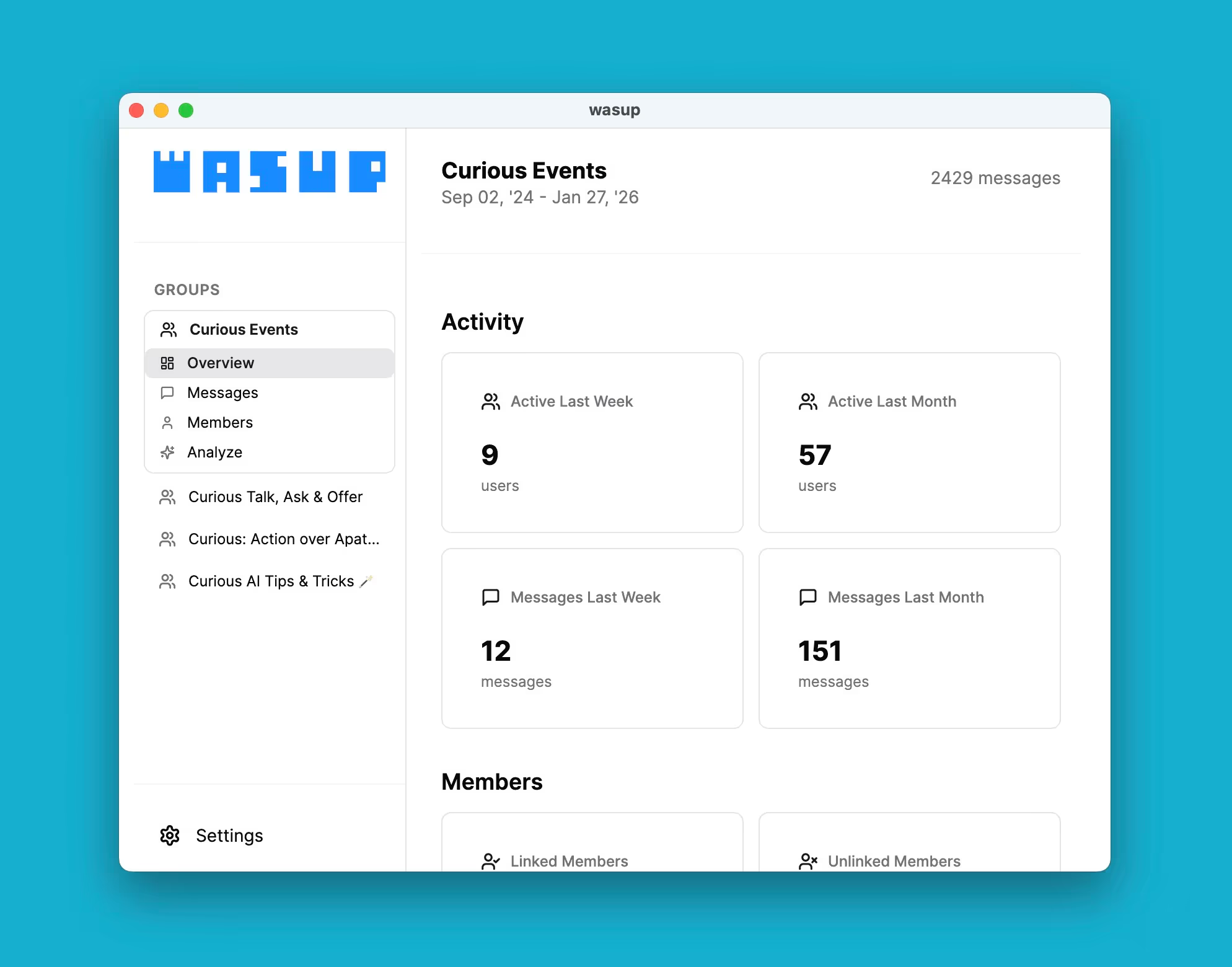
Sign up if you're interested in using it or want to get updates:
Thank you! Your submission has been received!
Oops! Something went wrong while submitting the form.
FAQ
Most important, you will need to have the WhatsApp Desktop App installed and logged in on macOS. You also need a Gemini API key if you want to use the AI feature — see below on how to get your API key.
Getting Your Gemini API Key
- Go to Google AI Studio
- Sign in with your Google account (any Gmail or Google Workspace account works)
- Once you're in, look for "Get API key" in the left sidebar or top navigation
- Click "Create API key" — you can either create one in a new project or select an existing Google Cloud project if you have one
- Your API key will appear on screen.
Important notes
- The API key is a long string of letters and numbers — treat it like a password
- Don't share it publicly or commit it to public code repositories
- Google offers a free tier with generous limits for experimentation
- You may need to accept terms of service on your first visit
The app reads your messages from your WhatsApp Desktop App, which requires access. All data is stored on your machine. If you do use the AI feature, the chat messages for the selected date range are transmitted to Google Gemini for processing. If you have a paid API key, none of your data should be used for model training. Please refer to Gemini's terms for more details.